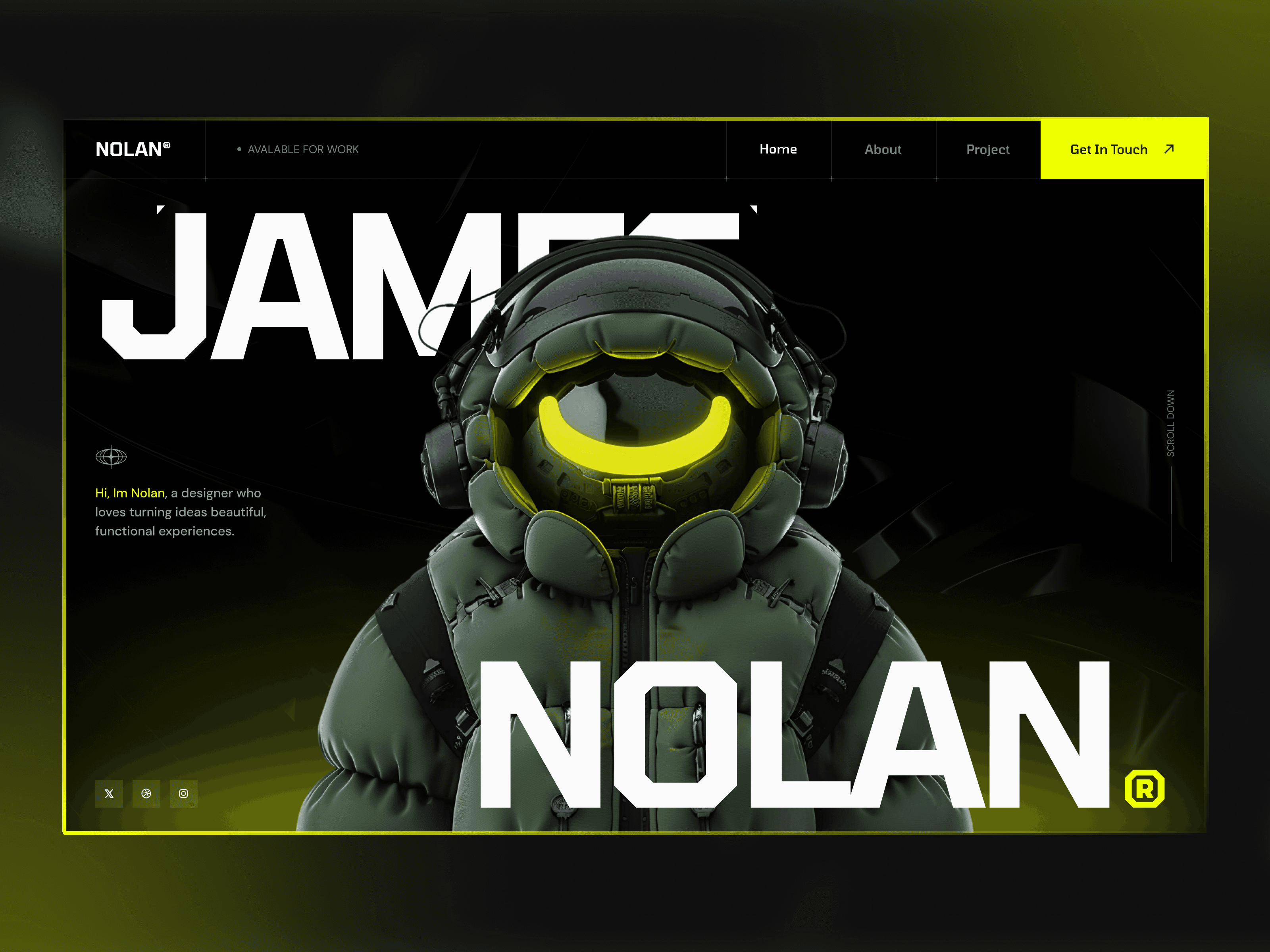
1. Immersive Multi-Layered Parallax Environments
By assigning varying scroll speeds to background images, floating design assets, and foreground typography, Framer lets you build deep spatial illusions. This technique gives flat layouts an immediate sense of premium quality and dimension. It is highly effective for tech product rollouts and creative agency portfolios looking to make an impact.
2. On-Screen Viewport Triggered Appearances
Instead of fading in predictably, your layout blocks can slide, scale, or morph dynamically as they enter the user's viewport. Framer gives you absolute authority over animation easing curves, dampening effects, and spring physics. This precise control ensures that every movement feels responsive, intentional, and natural to the human eye.

3. Section Pinning via Intelligent Sticky Positioning
The native sticky positioning engine in Framer allows you to lock specific visual elements—like a product mock-up—to one side of the viewport while descriptive text continues to scroll on the other. This visual storytelling technique keeps key product features front and center during long feature descriptions, maximizing information retention.

4. Multi-Axis Layout Hijacking from Vertical to Horizontal
One of the most popular modern web layouts involves transforming standard vertical scrolling into horizontal slider tracks. Framer enables you to configure these directional layout shifts visually without encountering common mobile browser bugs or performance stuttering. The result is a smooth, continuous browsing experience that breaks conventional web boundaries.
Conclusion
Advanced scroll interactions are more than just visual flair; they are essential tools for user engagement and brand positioning. Mastering these motion workflows inside Framer enables you to command premium rates for your creative output and deliver memorable digital products.